Herald Pro
Studio-quality text-to-speech for Windows. 27 neural voices, fully offline.
Get it on the Microsoft Store$14.99 one-time purchase • 15-day free trial
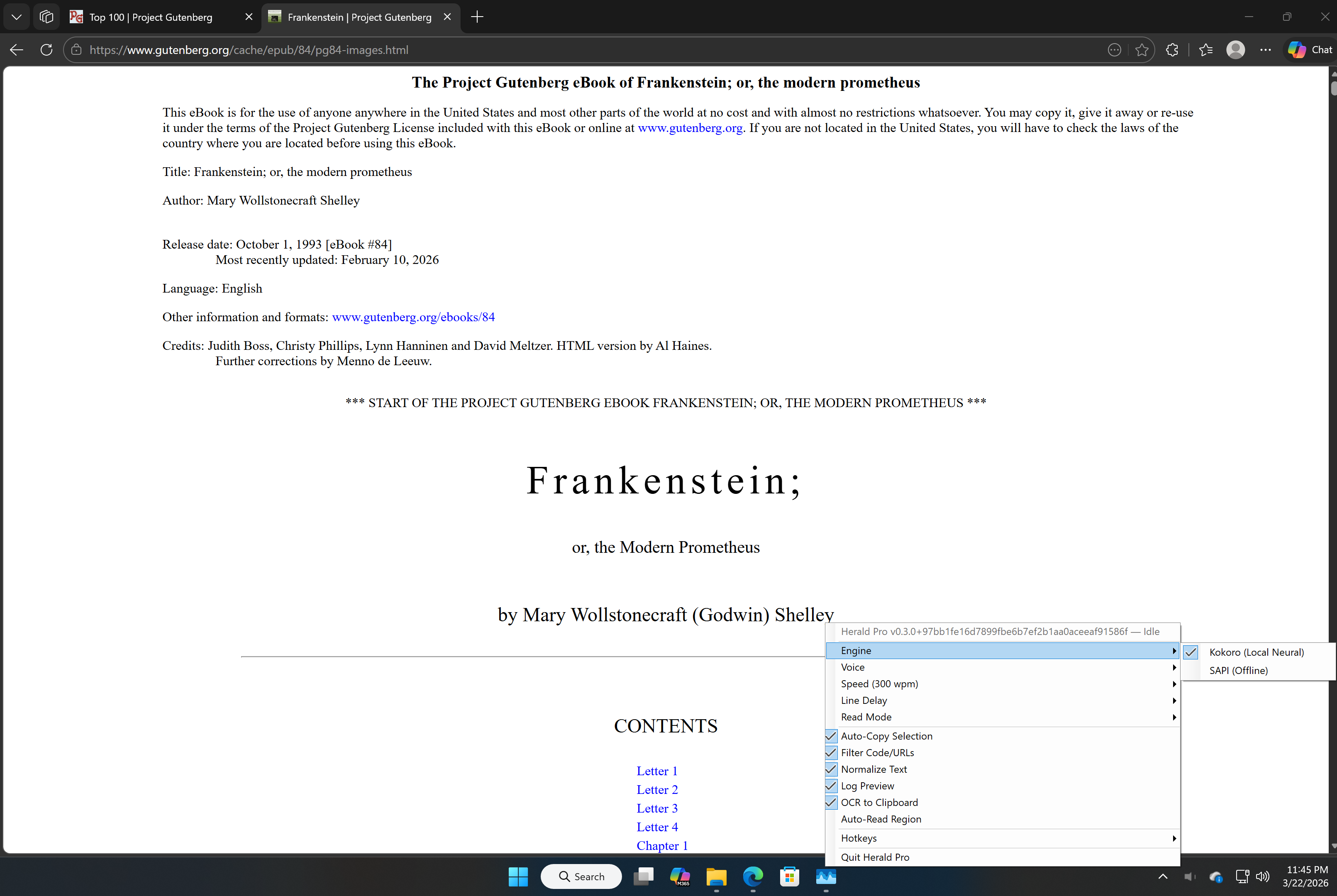
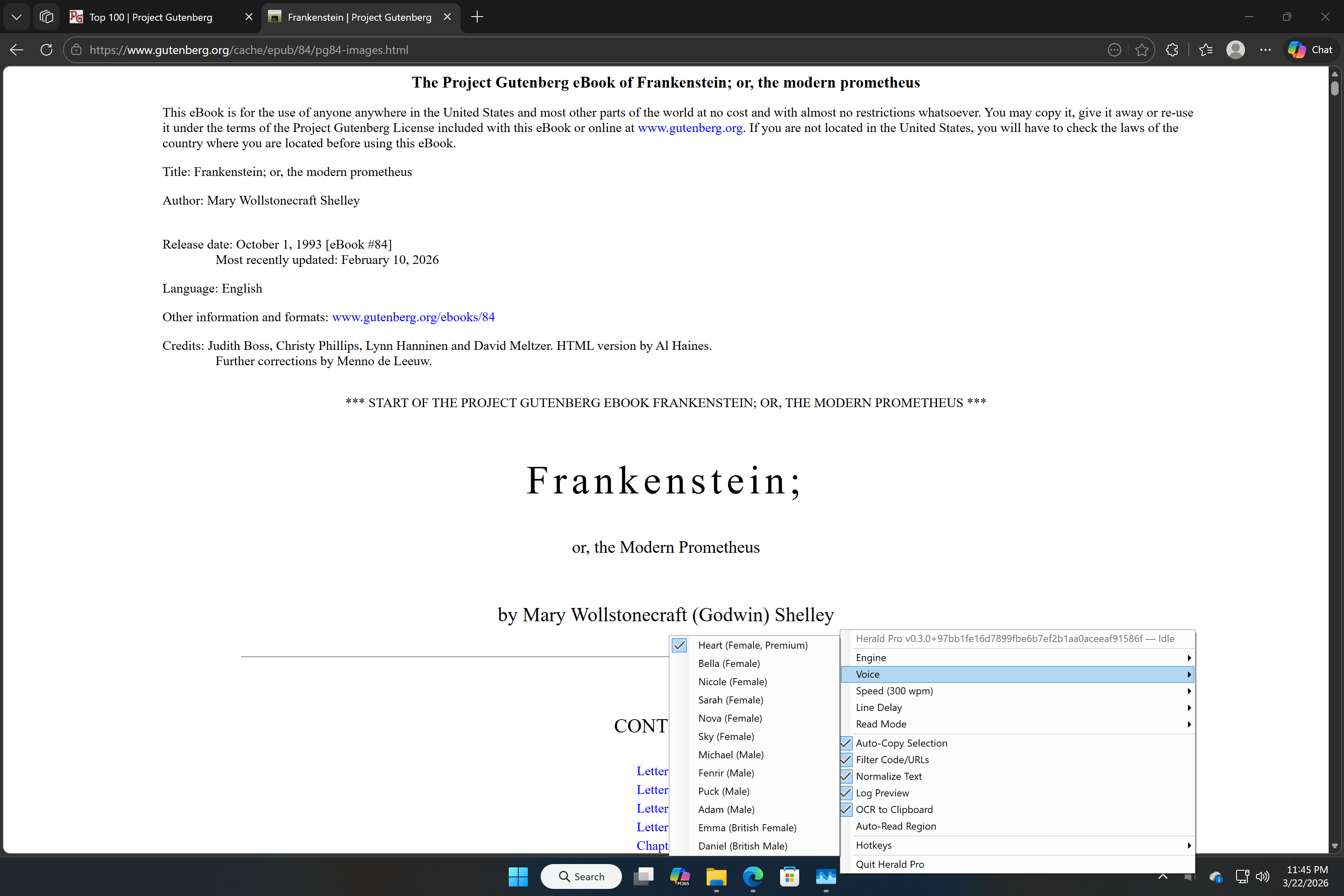
27 Neural Voices
Powered by Kokoro TTS with American and British English voices, male and female. Studio-quality speech synthesis running entirely on your device.
Fully Offline
After a one-time model download (~163 MB), Herald Pro works completely offline. No cloud processing, no streaming, no internet required.
Built-in OCR
Read text from screenshots, images, and PDFs. Draw a region on screen to capture and speak any visible text, even in non-selectable content.
Global Hotkeys
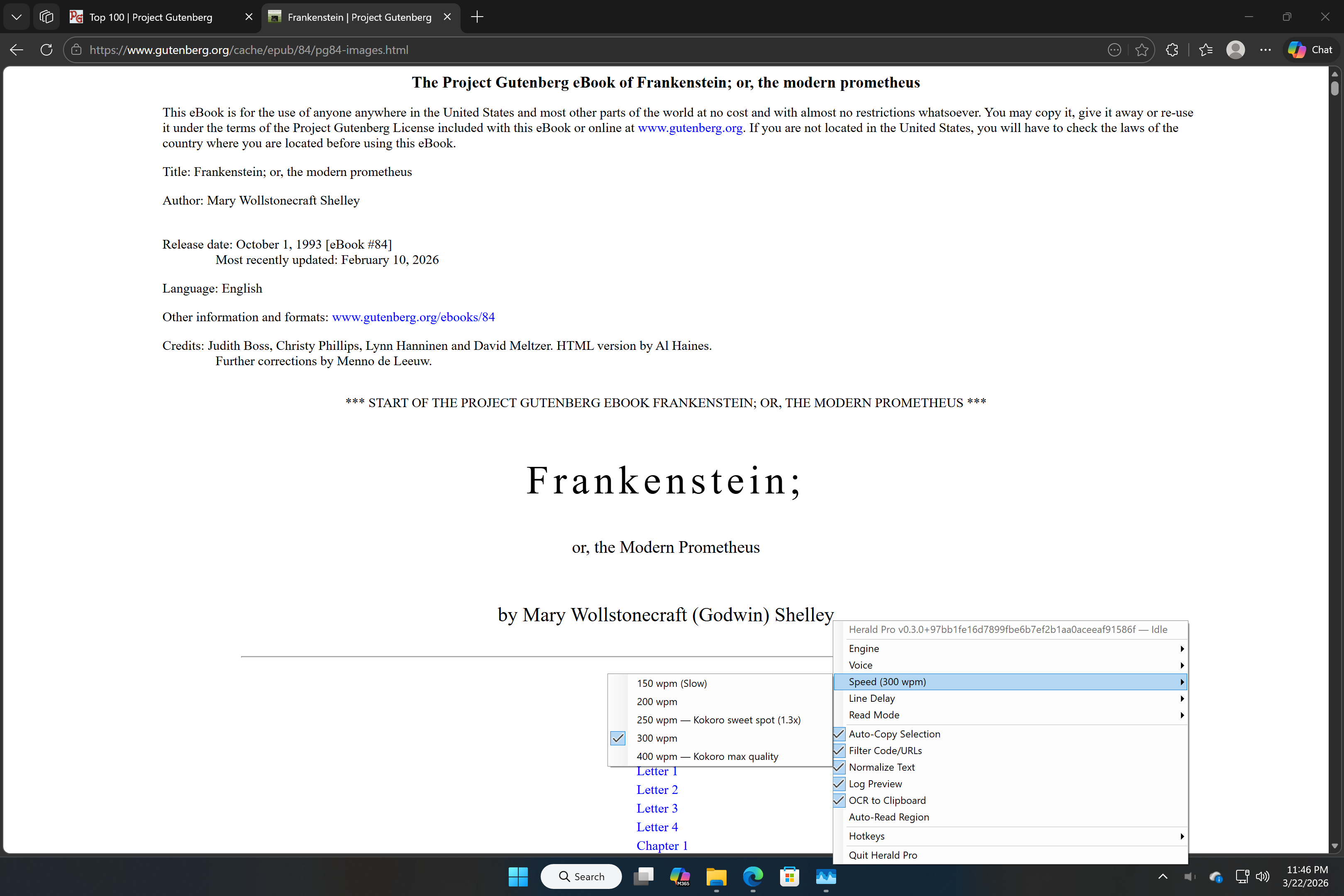
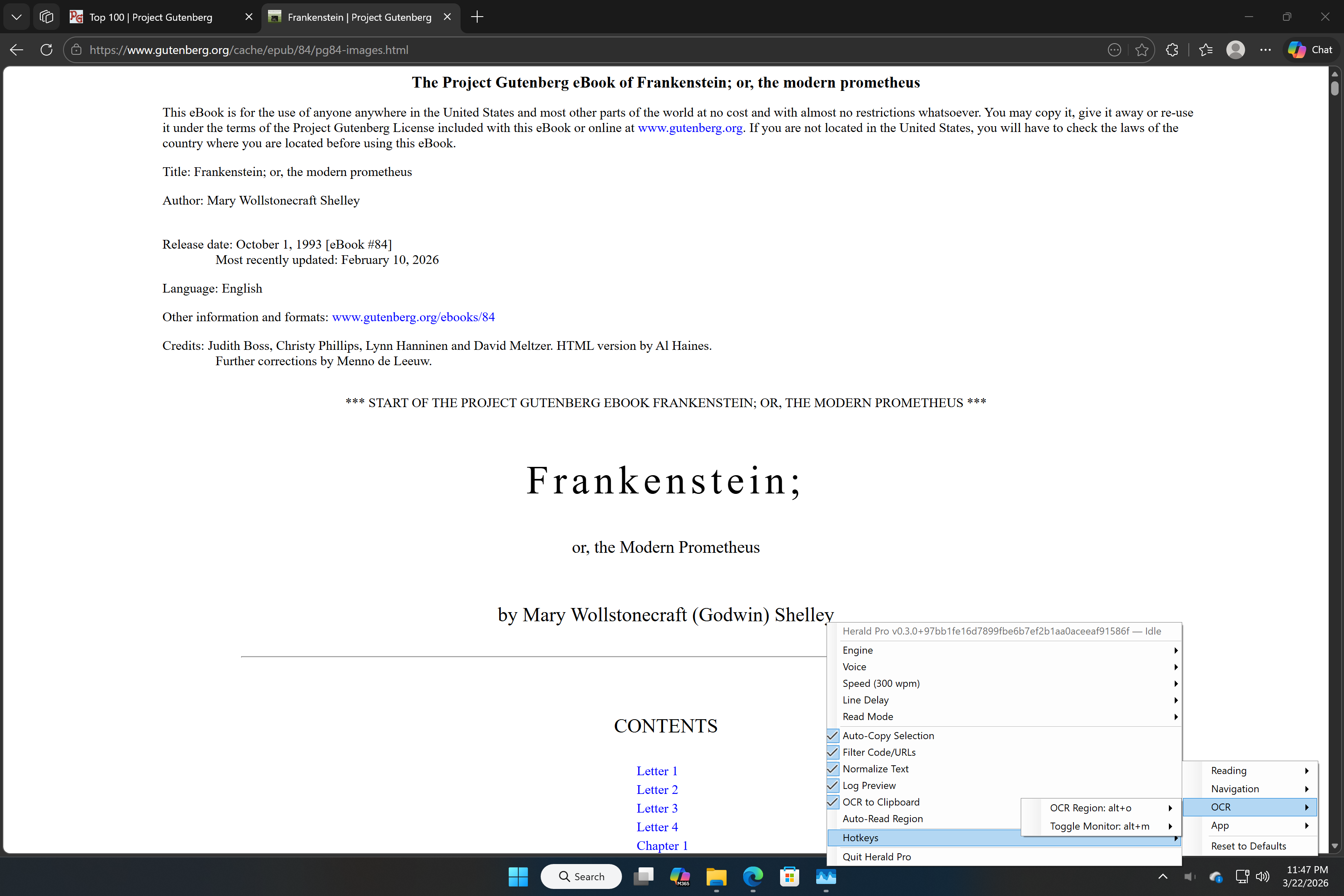
Control everything with keyboard shortcuts that work in any application. Speak, pause, navigate, adjust speed, and capture OCR without leaving your workflow.
Privacy First
No data collection, no analytics, no telemetry, no account required. All text processing and speech generation stays on your machine.
Pay Once, Own Forever
$14.99 one-time purchase. No subscription, no monthly fee, no in-app purchases. Start with a 15-day free trial.
Screenshots
Keyboard Shortcuts
| Alt+S | Speak selected text |
| Alt+P | Pause / Resume |
| Alt+N / B | Next / Previous line |
| Alt+O | OCR a region of your screen |
| Alt+M | Toggle persistent reading region |
| Escape | Stop speaking |
| Alt+] / [ | Speed up / Slow down |
All hotkeys are fully configurable through the system tray menu.
$14.99 one-time • 15-day free trial • Windows 10 or later